Speed Based Effects
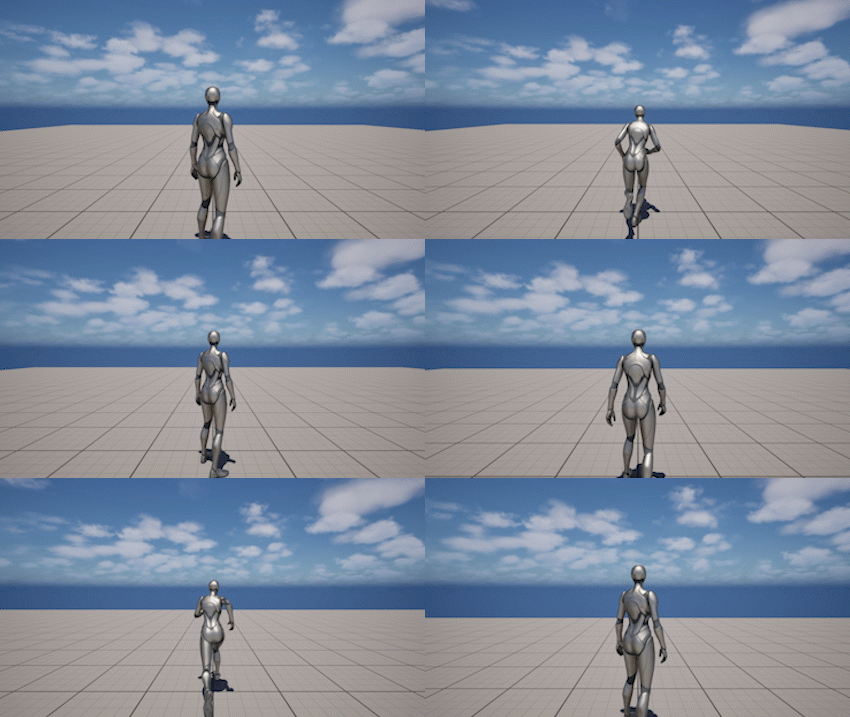
The Speed Based Effects system adjusts camera distance and field of view based on character movement speed.
This helps:
- enhance the feeling of speed
- improve forward visibility while moving fast
- make transitions between slow and fast movement feel more dynamic
Behavior
Speed Modifiers are applied automatically based on the character’s current speed.
- the effect increases between minimum and maximum speed thresholds
- both camera distance and FOV can be affected simultaneously
- the camera smoothly interpolates between states
- the effect fades out when the character slows down
Speed Modifiers are applied on top of the current framing and do not modify base settings.
Settings
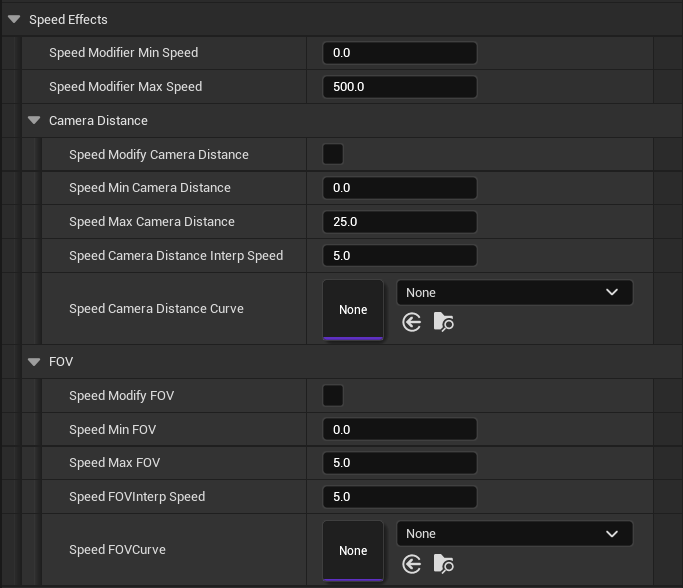
The speed modifiers system is defined by the following parameters:
General
- Speed Modifier Min Speed - character speed at which the effect begins
- Speed Modifier Max Speed - character speed at which the effect reaches full strength
Camera Distance
- Modify Camera Distance - enables speed-based camera distance changes
- Min Camera Distance - distance offset applied at minimum speed
- Max Camera Distance - distance offset applied at maximum speed
- Camera Distance Interp Speed - controls how quickly the distance changes
- Camera Distance Curve - optional curve controlling how speed maps to distance offset
FOV
- Modify FOV - enables speed-based FOV changes
- Min FOV - FOV offset applied at minimum speed
- Max FOV - FOV offset applied at maximum speed
- FOV Interp Speed - controls how quickly the FOV changes
- FOV Curve - optional curve controlling how speed maps to FOV offset
Notes
- Speed Modifiers are runtime-only and do not modify base camera settings
- Distance and FOV modifiers are evaluated together as a single system
- Effects are driven by character movement speed
- Curves allow fine control over how the effect scales between min and max speed