Camera Control
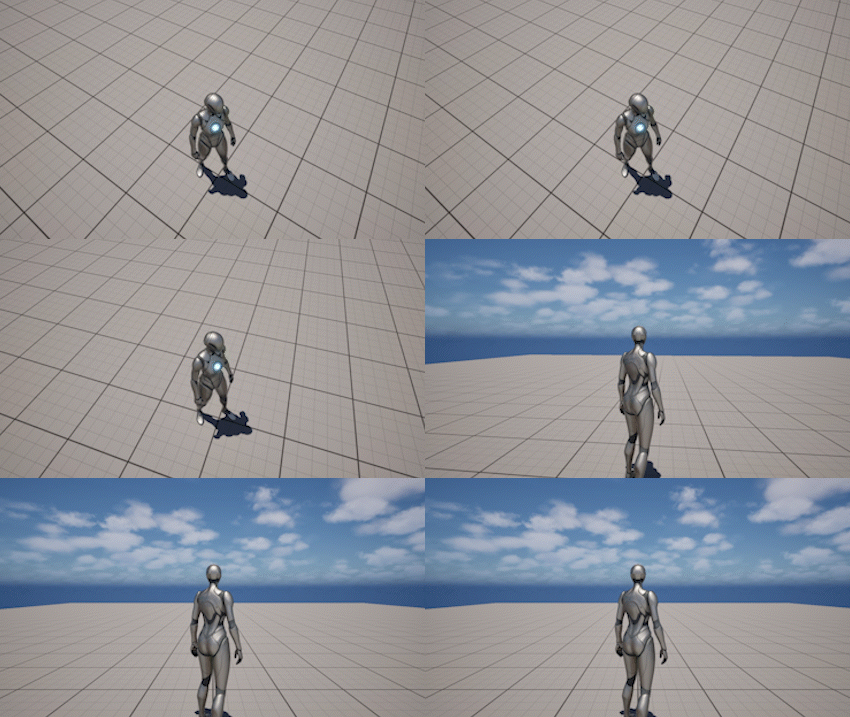
The Camera Control section provides runtime functions for controlling the internal behavior of the Third Person Camera system.
Unlike systems such as Focus or Spline, these functions do not define camera behavior on their own. Instead, they allow you to temporarily override or adjust the camera during gameplay.
This is commonly used for:
- gameplay events
- cutscenes and transitions
- scripted camera adjustments
- player control management
Target Camera
You can control which camera is used internally by the Third Person Camera system:
- Set Target Camera
- Get Target Camera
This defines which Camera Component is controlled by the camera system itself.
This camera is used by the system for all camera calculations such as framing, rotation, collision, and effects.
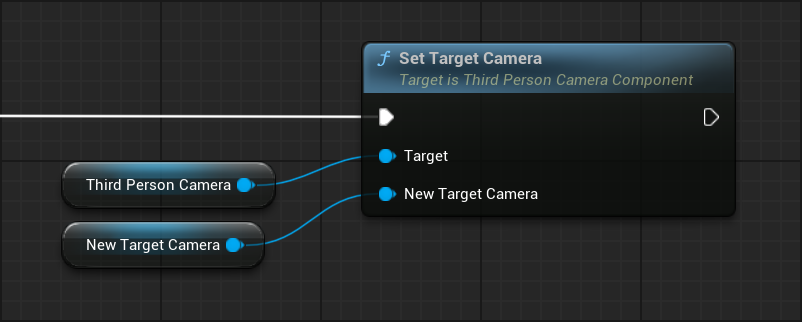
This is useful when:
- the character has multiple camera components
- switching between different camera setups
- dynamically changing the controlled camera during gameplay
Important
- The Target Camera is not the same as the View Camera
- Changing the Target Camera affects how the system updates the camera
- It does not automatically change what the player sees
To control what the player sees, use the Camera View system:
- Set View Camera
- Blend To View Camera
Camera Rotation
You can smoothly rotate the camera to a specific rotation using:
- Set Camera Rotation
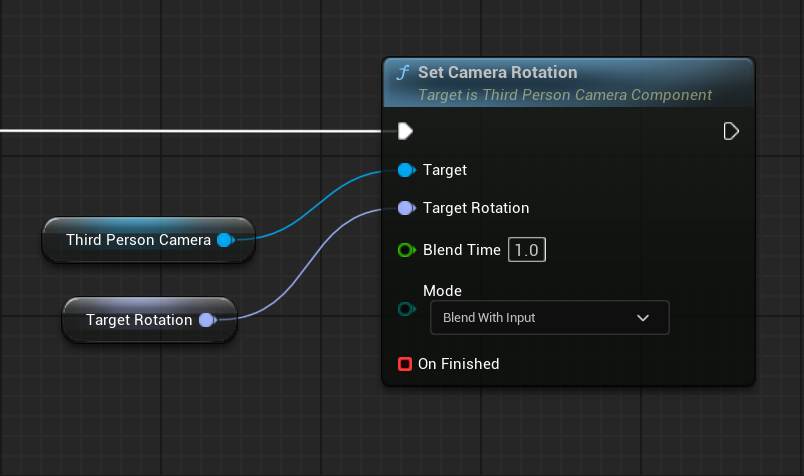
This function:
- rotates the camera toward a target rotation
- blends over time using Blend Time
- supports different rotation override modes
- provides an optional completion callback
This is useful for:
- snapping or aligning the camera during gameplay
- cinematic transitions
- re-centering the camera
Rotation Modes
The rotation behavior is controlled by Rotation Override Mode:
IgnoreInput— camera rotation is fully controlled by the system. Player input is ignored during the rotationBlendWithInput— camera rotates toward the target while still allowing player input to influence the resultCancelOnInput— camera rotates toward the target, but any player input immediately cancels the rotation
These modes define how player input interacts with system-driven camera rotation.
Limitations
Does nothing when:
- Focus is active
- Spline is active
Reset Camera Rotation
You can smoothly return the camera to a predefined gameplay orientation using:
- Reset Camera Rotation
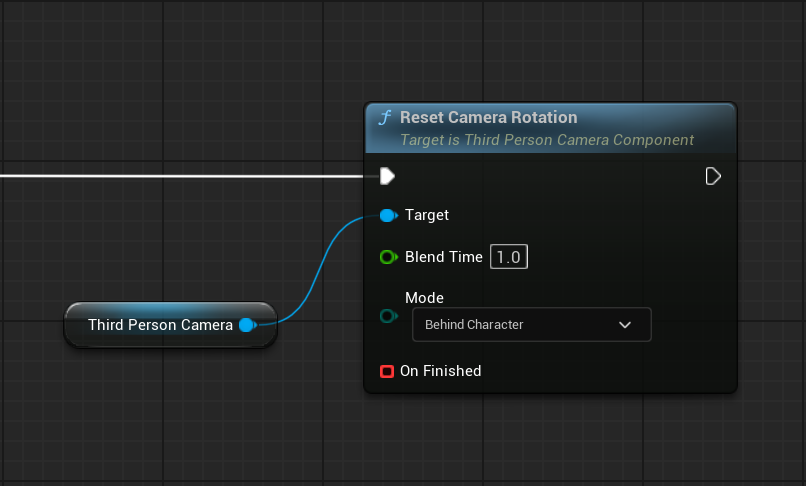
This function is primarily used to rotate the camera back behind the character.
It is useful when you want to:
- re-center the camera behind the player
- restore a clean gameplay view after manual camera movement
- align the camera with the character during gameplay
This function:
- smoothly rotates the camera using Blend Time
- uses a selected Reset Mode
Limitations
Does nothing when:
- Focus is active
- Spline is active
Camera System Control
You can enable or disable the entire camera system:
- Set Camera System Enabled
- Is Camera System Enabled
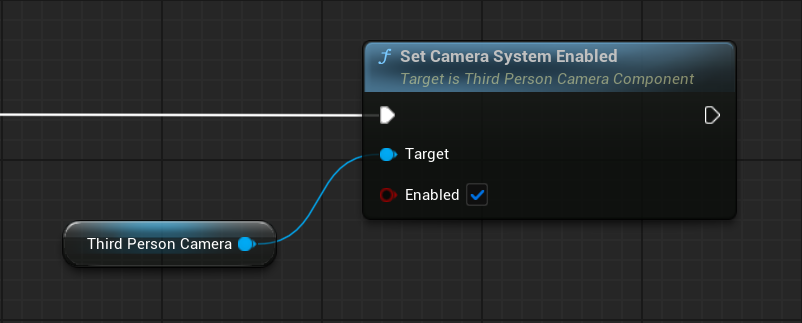
When disabled:
- the component stops updating the camera
- the camera remains in its last state
This is useful when:
- switching to another camera system
- playing cutscenes
- temporarily disabling gameplay camera logic
Player Input Control
You can control player input through the camera component:
- Set Look Input Enabled
- Set Move Input Enabled
- Set Player Control Enabled
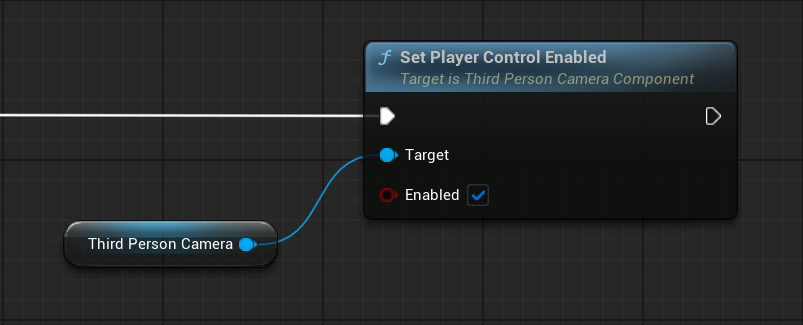
These functions allow you to:
- disable camera look input
- disable character movement input
- disable both at once
This is commonly used for:
- cutscenes
- UI interactions
- scripted gameplay moments
Character Rotation
You can control how the character rotates relative to the camera:
- Set Character Rotation Follows Camera
- Is Character Rotation Following Camera
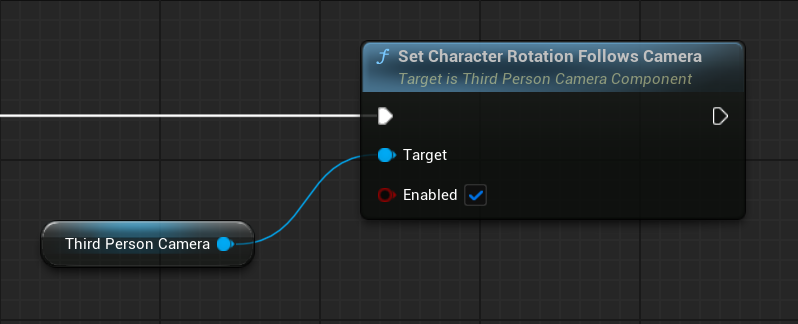
When enabled:
- the character rotates with camera yaw
When disabled:
- the character can orient independently (for example, toward movement direction)
This allows you to switch between different control styles depending on gameplay needs.
Runtime Control
The Camera Control system is managed through runtime functions.
For a complete list of functions and parameters, refer to the API Reference.
Main Functions
- Set Target Camera - sets which Camera Component is controlled by the camera system
- Set Camera Rotation - smoothly rotates the camera to a target rotation over time
- Reset Camera Rotation - smoothly resets the camera rotation
- Set Camera System Enabled - enables or disables the entire camera system
- Set Look Input Enabled - enables or disables player camera look input
- Set Move Input Enabled - enables or disables player movement input
- Set Player Control Enabled - enables or disables both look and movement input
- Set Character Rotation Follows Camera - controls whether the character rotates with the camera yaw
Notes
- Camera Control functions are runtime utilities, not standalone systems
- These functions do not override Focus or Spline systems
- They are ignored while higher-priority systems are active
- Use Focus or Spline for sustained camera behavior, and Camera Control for direct overrides