Debug
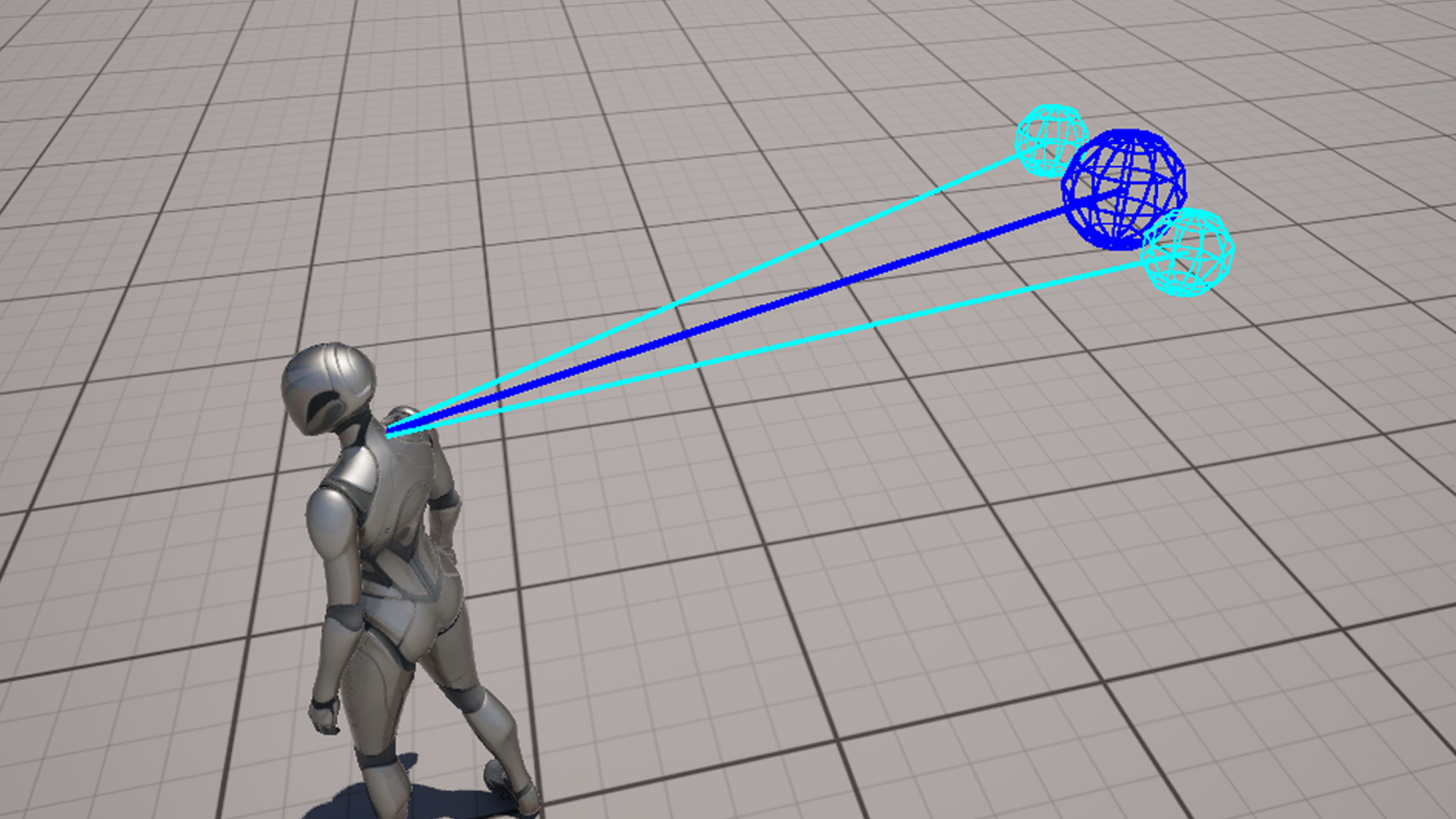
The Debug system provides visual tools to inspect how the camera behaves in real time.
It helps you understand internal camera logic and is useful when:
- tuning camera settings
- debugging unexpected behavior
- verifying collision and focus systems
- adjusting framing and offsets
Camera Debug
Camera debug options visualize the core camera positions and relationships.
- Debug Pivot - draws the camera pivot point used as the origin for camera positioning
- Debug Ideal Camera - shows the target camera position before collision is applied
- Debug Final Camera - shows the final camera position after collision and smoothing
These visualizations help you understand how the camera is calculated each frame.
Collision Debug
Collision debug options visualize how the camera interacts with the environment.
- Debug Collision Sweep - draws the main sweep from the pivot toward the ideal camera position
- Debug Collision Hit - shows hit points where collisions are detected
- Debug Collision Feelers - visualizes predictive avoidance probes around the camera direction
This is useful for diagnosing clipping issues and understanding how the camera reacts to obstacles.
Focus Debug
Focus debug visualizes the active focus target.
- Debug Focus - draws the focus target location and a line from the pivot to the target
This helps verify that the correct target is being tracked and how the camera aligns with it.
Usage
Debug options can be enabled directly on the ThirdPersonCameraComponent.
Each option can be toggled independently and updates in real time during gameplay.
Notes
- Debug visualization does not affect gameplay behavior
- All debug options are intended for development and testing
- It is recommended to disable debug visualization in production builds