Rotation
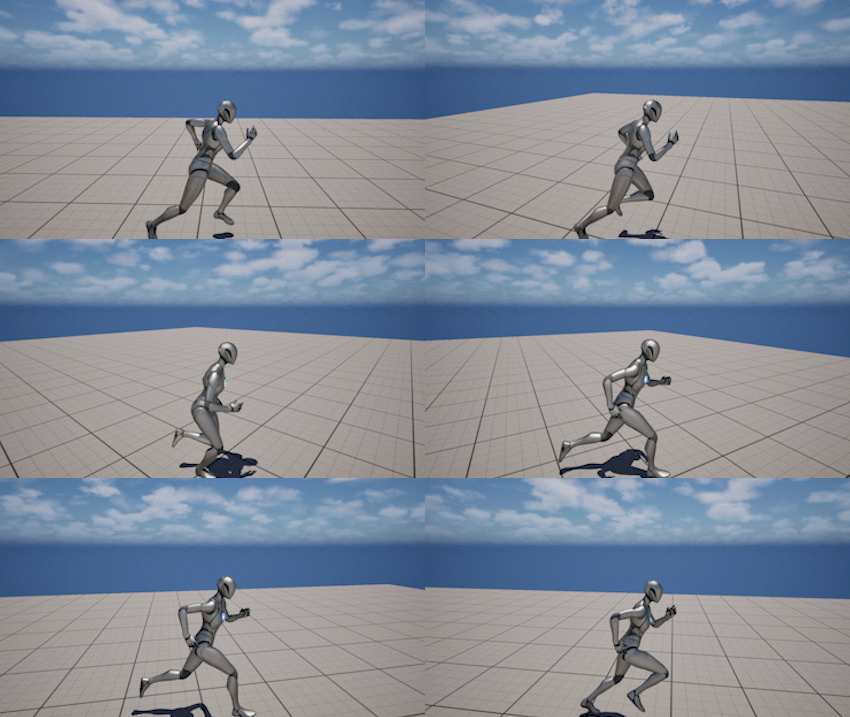
Yaw Follow
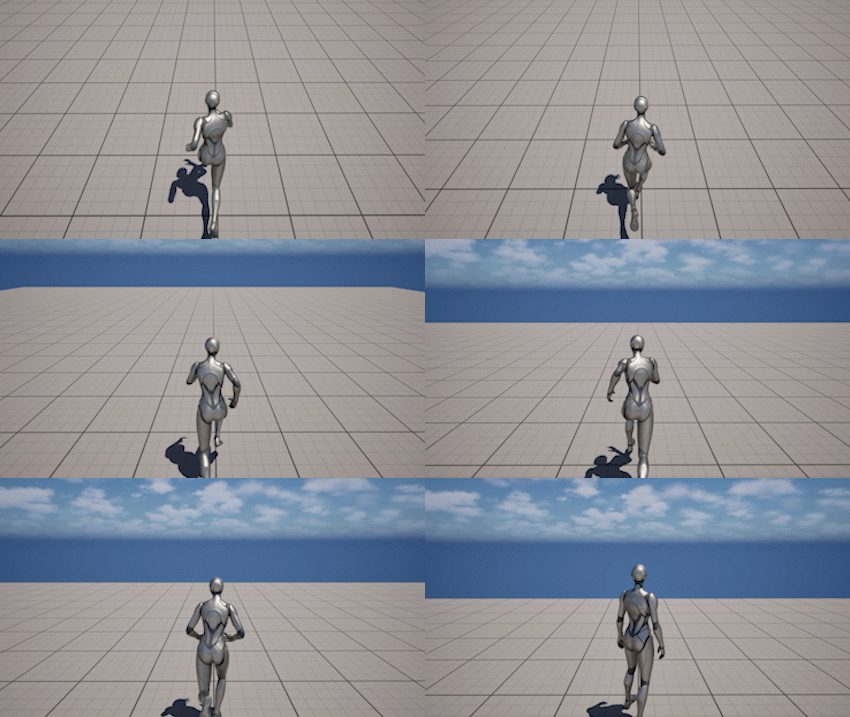
Pitch Follow
The Rotation system defines how the camera responds to player input and movement.
It controls:
- how smooth or responsive the rotation feels
- how the camera recenters itself
- how it reacts to movement and vertical changes
- how rotation is limited
Multiple rotation features work together to produce the final camera behavior.
Each section below shows a visual example and the most important settings that control it.
Rotation Lag
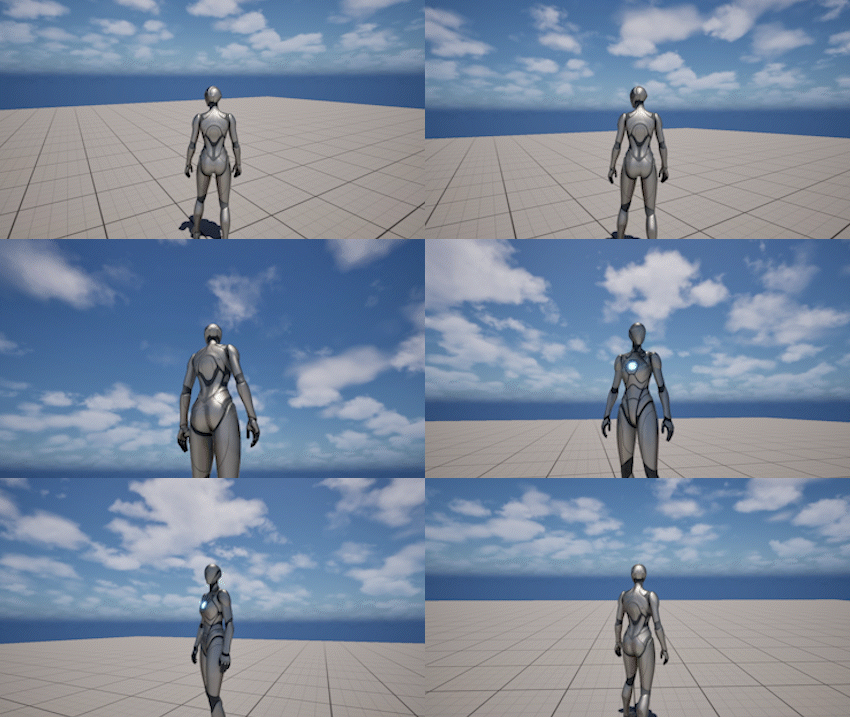
Rotation Lag smooths camera rotation by interpolating toward the target rotation instead of snapping instantly.
This helps:
- reduce jitter
- create a more cinematic feel
- make camera movement less mechanical
Settings
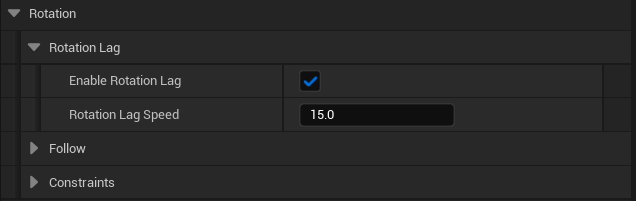
- Enable Rotation Lag - enables or disables rotation smoothing
- Rotation Lag Speed - how fast the camera catches up to the target rotation
Pitch Follow
Pitch Follow automatically returns the camera toward a resting pitch when the player stops rotating vertically.
This keeps the camera from staying at extreme angles and stabilizes the view during movement.
Settings
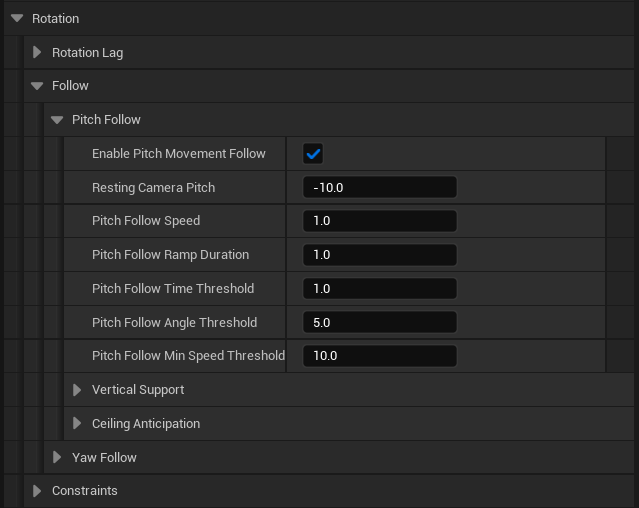
- Enable Pitch Movement Follow - enables pitch follow
- Resting Camera Pitch - target pitch the camera returns to
- Pitch Follow Speed - how quickly the camera aligns
- Pitch Follow Time Threshold - delay before follow starts after input stops
- Pitch Follow Angle Threshold - minimum angle difference required to trigger
- Pitch Follow Min Speed Threshold - minimum movement speed required
Vertical Pitch Support
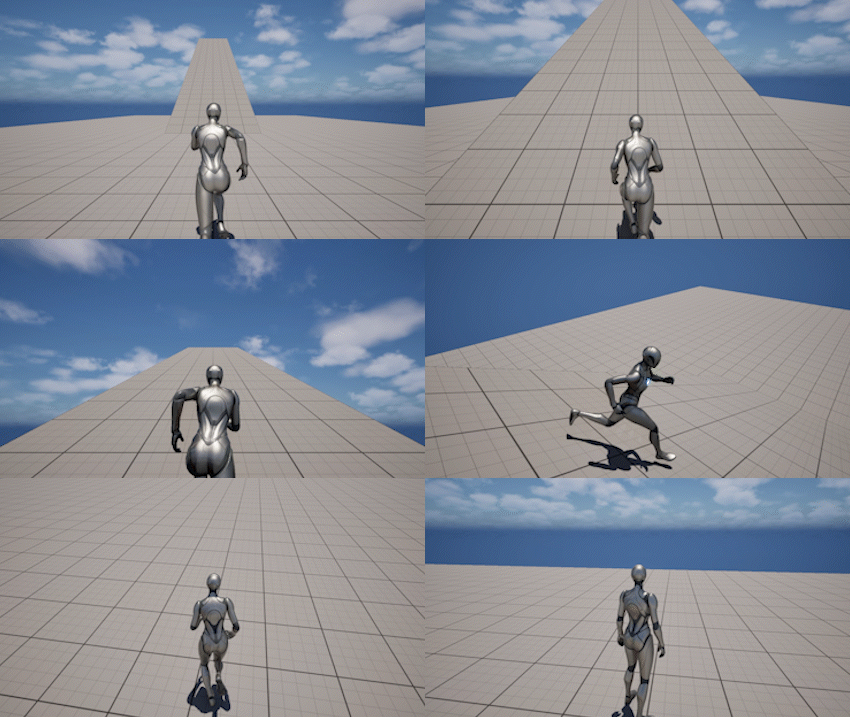
Vertical Pitch Support adjusts the camera pitch based on vertical movement such as going up slopes, down slopes, or falling.
This helps keep the owner properly framed during vertical motion.
This feature currently requires a Character-based owner and relies on CharacterMovementComponent data for slope and falling detection.
Settings
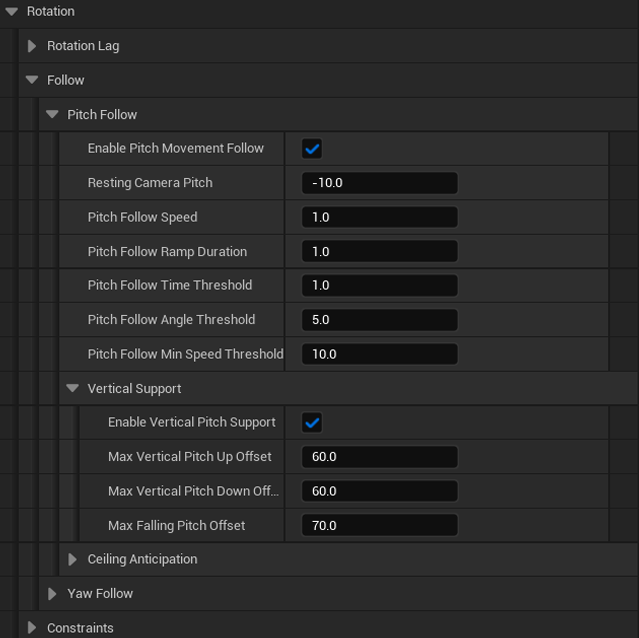
- Enable Vertical Pitch Support - enables vertical adjustment
- Max Vertical Pitch Up Offset - maximum upward offset
- Max Vertical Pitch Down Offset - maximum downward offset
- Max Falling Pitch Offset - pitch offset applied while falling
Ceiling Anticipation
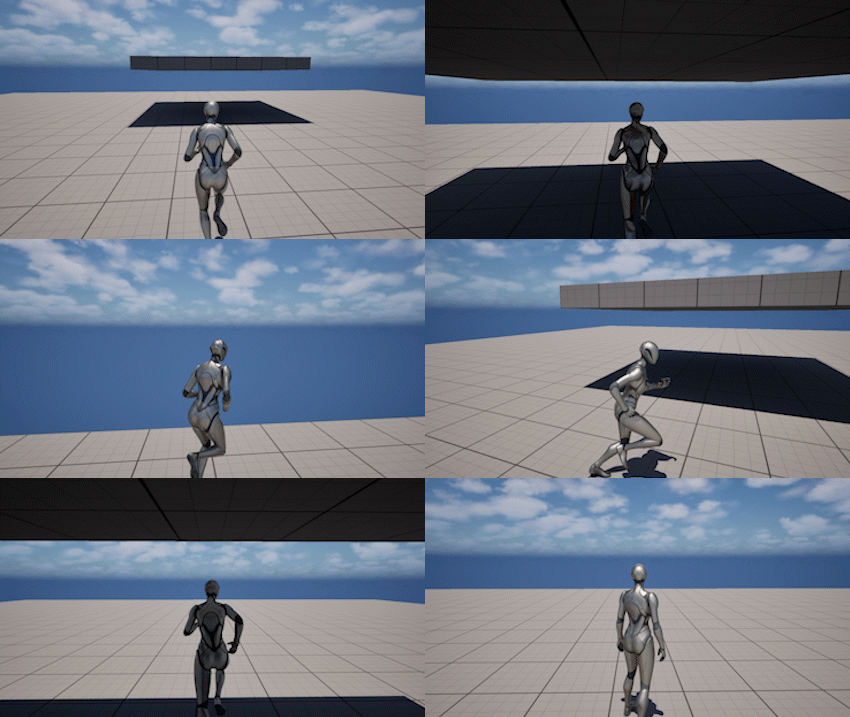
Ceiling Anticipation tilts the camera downward when a ceiling is detected above the character.
This prevents the camera from colliding and helps maintain visibility in tight spaces.
Settings
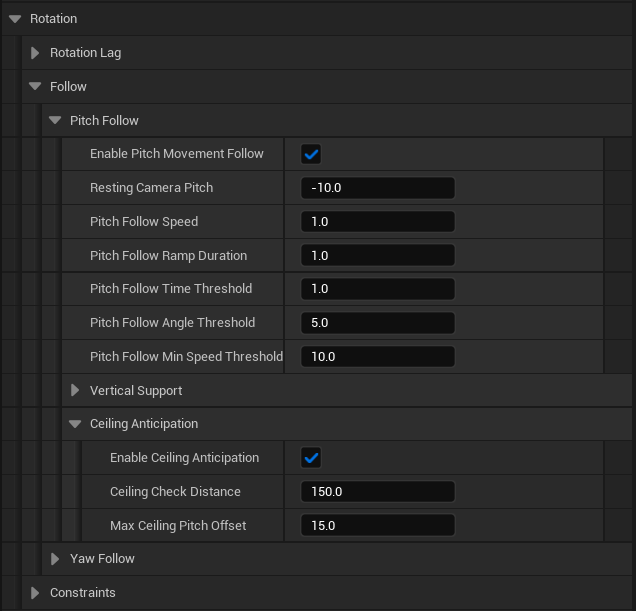
- Enable Ceiling Anticipation - enables ceiling detection
- Ceiling Up Check Distance - vertical trace distance above the pivot
- Ceiling Forward Check Distance - forward trace distance used to anticipate ceilings before reaching them
- Max Ceiling Pitch Offset - maximum downward pitch adjustment
Yaw Follow
Yaw Follow automatically aligns the camera with the movement direction when the player is not providing look input.
This keeps the camera positioned behind the character during movement.
Settings
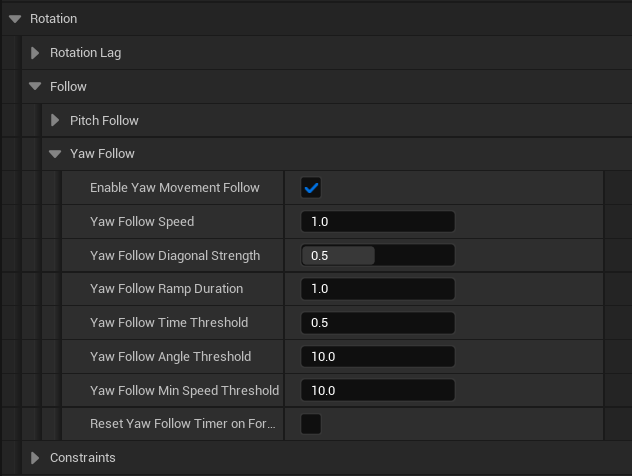
- Enable Yaw Movement Follow - enables yaw follow
- Yaw Follow Speed - how quickly the camera aligns
- Yaw Follow Diagonal Strength - follow strength when moving diagonally
- Yaw Follow Time Threshold - delay before follow activates
- Yaw Follow Angle Threshold - minimum angle difference required
- Yaw Follow Min Speed Threshold - minimum movement speed required
- Reset Yaw Follow Timer On Forward Backward - resets activation when moving forward/back
Constraints
Pitch Constraints
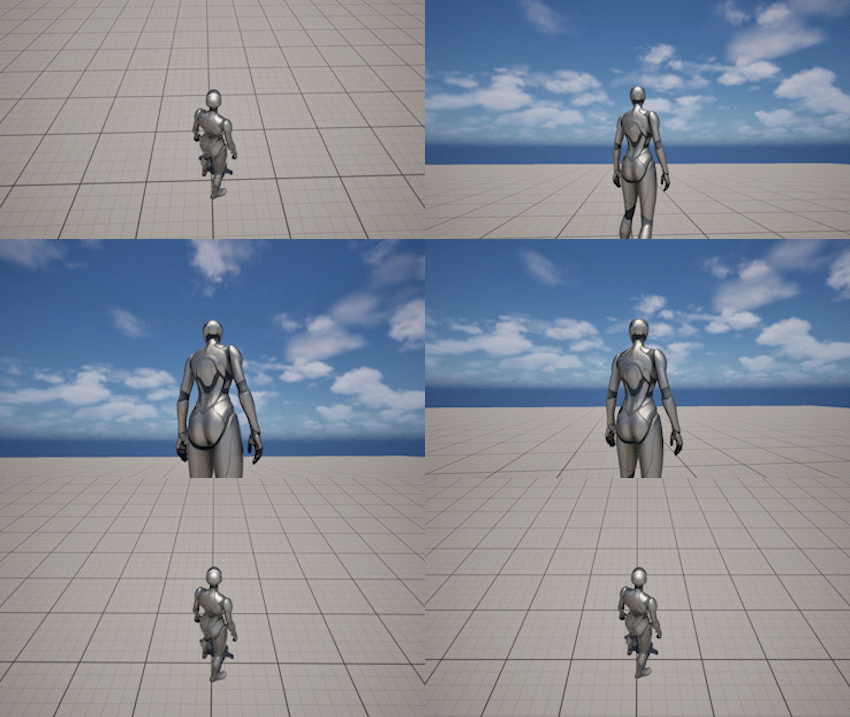
Pitch Constraints limit how far the camera can rotate vertically.
Soft zones near the limits slow down rotation instead of abruptly stopping it.
Settings
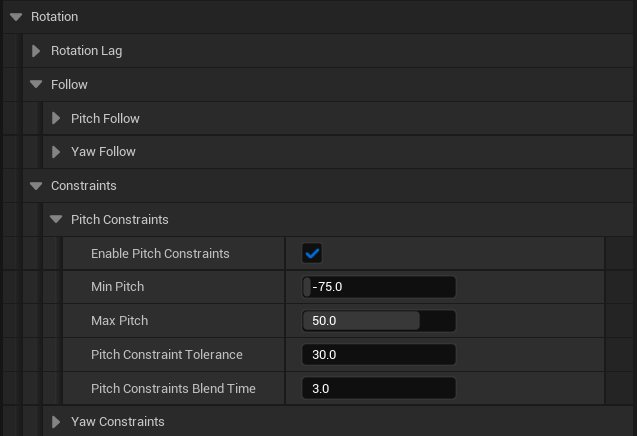
- Enable Pitch Constraints - enables pitch limits
- Min Pitch - lowest allowed pitch
- Max Pitch - highest allowed pitch
- Pitch Constraint Tolerance - size of the soft zone
- Pitch Constraints Blend Time - blending time when limits change
Important Note - Player Camera Manager Pitch Limits
Unreal Engine's Player Camera Manager has its own pitch limits.
If the Player Camera Manager pitch range is narrower than the Plox camera pitch constraints, it can clamp the camera rotation before the plugin constraints are applied.
If Pitch Constraints do not seem to work as expected, check your Player Camera Manager settings and make sure its pitch limits are wide enough.
Recommended setup:
- View Pitch Min =
-90 - View Pitch Max =
90
After that, use the Plox camera Min Pitch and Max Pitch settings to control the actual gameplay pitch limits.
Yaw Constraints
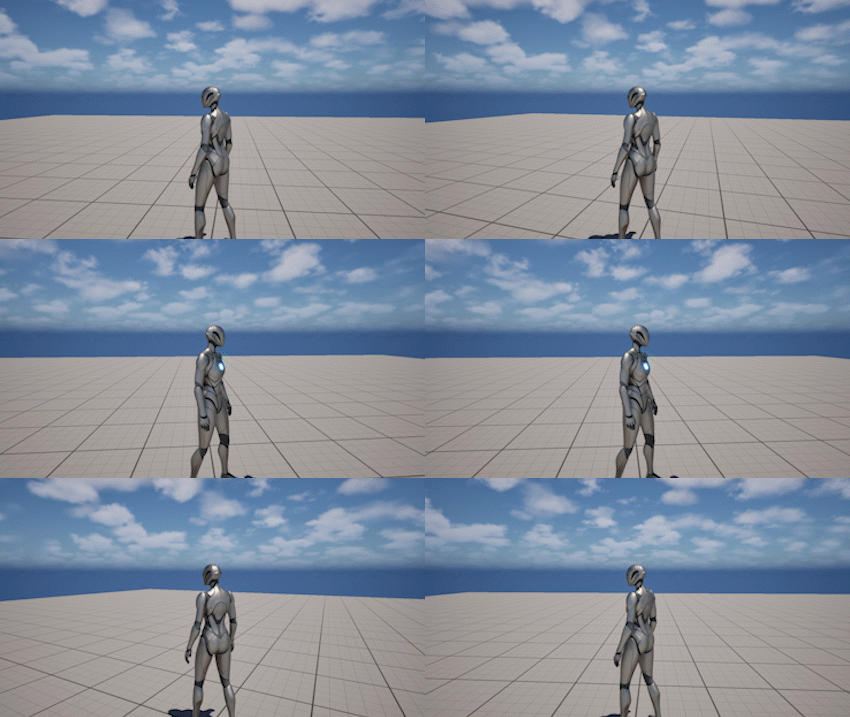
Yaw Constraints limit horizontal camera rotation relative to the current orientation.
They support wrapped ranges and smooth blending when limits change.
Settings
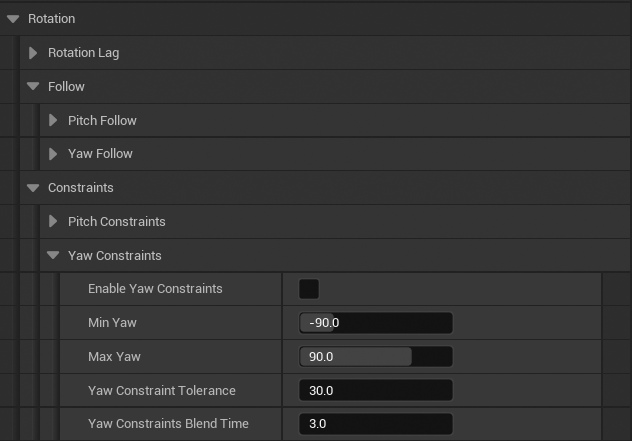
- Enable Yaw Constraints - enables yaw limits
- Min Yaw - minimum yaw angle
- Max Yaw - maximum yaw angle
- Yaw Constraint Tolerance - soft zone near limits
- Yaw Constraints Blend Time - blending time when limits change
Notes
- Rotation systems are layered and work together at runtime
- Follow systems activate only when the player is not providing input
- Thresholds prevent small unwanted movements and jitter
- Constraints use soft zones to avoid abrupt stops
- Ceiling Anticipation only works when Pitch Follow is enabled